
Google Clarifies Back Button Hijacking Rules Beyond Search
Google says its back button hijacking policy applies when the problem happens in a browser, including visits from social media, not only Google Search.

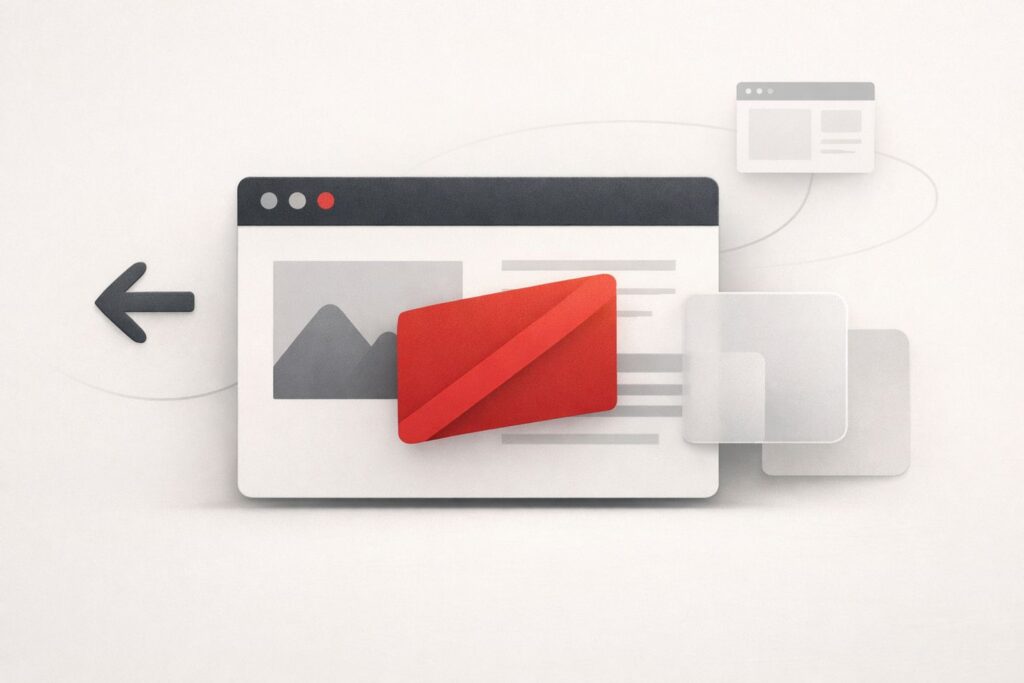
Google has clarified that its back button hijacking policy is not limited to visits from Google Search. According to Search Engine Journal, the policy applies when the hijacking happens in a browser, including when a visitor arrives from social media.
The update came through a new FAQ added to Google’s spam policies on November 23, 2026. Google also said ad platform code is still allowed, and that it only takes action on pages that show the behavior.
What changed
Google’s new FAQ answers common questions about the back button hijacking policy. One key clarification is that if a visitor is browsing in a browser and the back button is interfered with, the policy applies even if that person did not come from Google Search.
The FAQ also draws a line around what is not covered. If a site opens an external app and that app prevents the user from returning, Google says those app navigation and open in app behaviors are outside the scope of this specific policy. Separately, Google said Discover is part of Google Search, so its spam policies apply there as well.
What it means for your website
For business websites, this means the risk is broader than a simple test from Google search results. A page can raise a policy issue if it traps users in the browser after they arrive from another source, such as a social media post. If your site appears in Discover, that traffic should be considered too.
The clarification on advertising code is also important. Google is not banning the use of hosted code from advertising platforms. The issue is the page behavior itself. If a script, setting, or included library causes the back button problem, that page could still be affected even if the code came from a third party.
What to do now
- Test important pages in a browser by arriving from different sources, including social media links and Google surfaces when available, then press the back button.
- Check pages that use ad platform code or other third party libraries, and look for any behavior that prevents visitors from returning normally.
- If you find the problem, remove or disable the code or setting on the affected page that interferes with back navigation.
- Do not assume a page is safe just because the issue does not appear in a Google Search test. Review browser behavior more broadly.
- Monitor user complaints and reports about being unable to go back, especially on pages with ads, embedded scripts, or custom navigation behavior.
More from SEO News
All SEO News-
· Search Engine Journal
Google shares new guidance for verifying Google-Agent crawler
-
· Search Engine Journal
Google warns CDN moves can raise crawl load and hurt visibility
-
· Search Engine Journal
Optimizely Fixes Signup Flaw After Malware Hit Customer Sites
-
· Search Engine Journal
Google Ask Maps adds appointment finding and business calls